ShotPut Pro alternatives: what working crews actually use
What the offloaders really cost in 2026, where each one earns its money, and where a free tool is enough.
Blog post6 min read
ShotPut Pro has been a familiar name in professional card offloading for years, and it earned that. It provides verified offloads, media-focused PDF reports and ASC MHL sealing. But it is not the only way to get footage off a card safely any more, and depending on how you work, you may not need everything it provides.
We run a video production studio, so this is not intended as a spec-sheet roundup. It is based on the workflows we encounter in production, with current prices and feature claims checked against each vendor's own documentation.
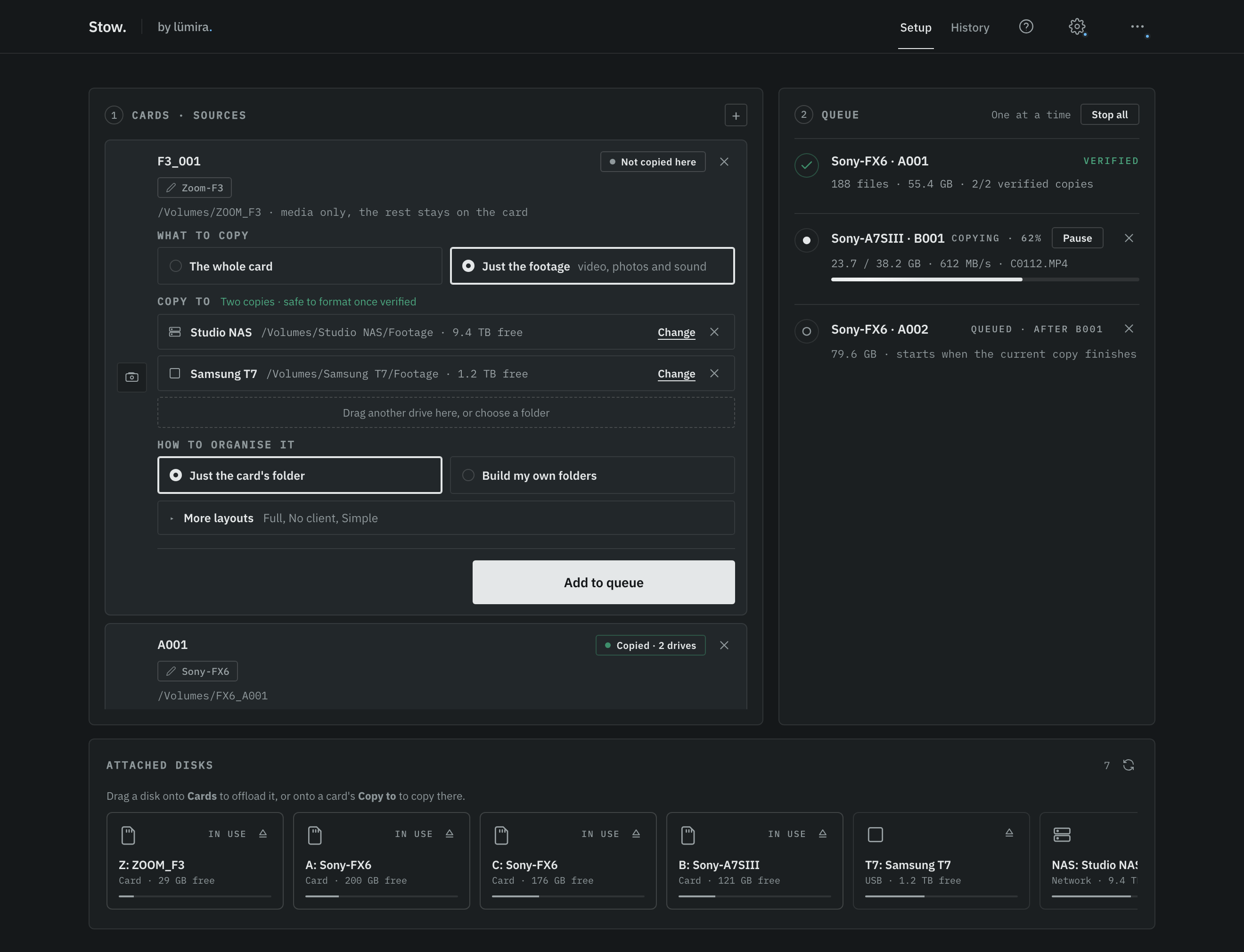
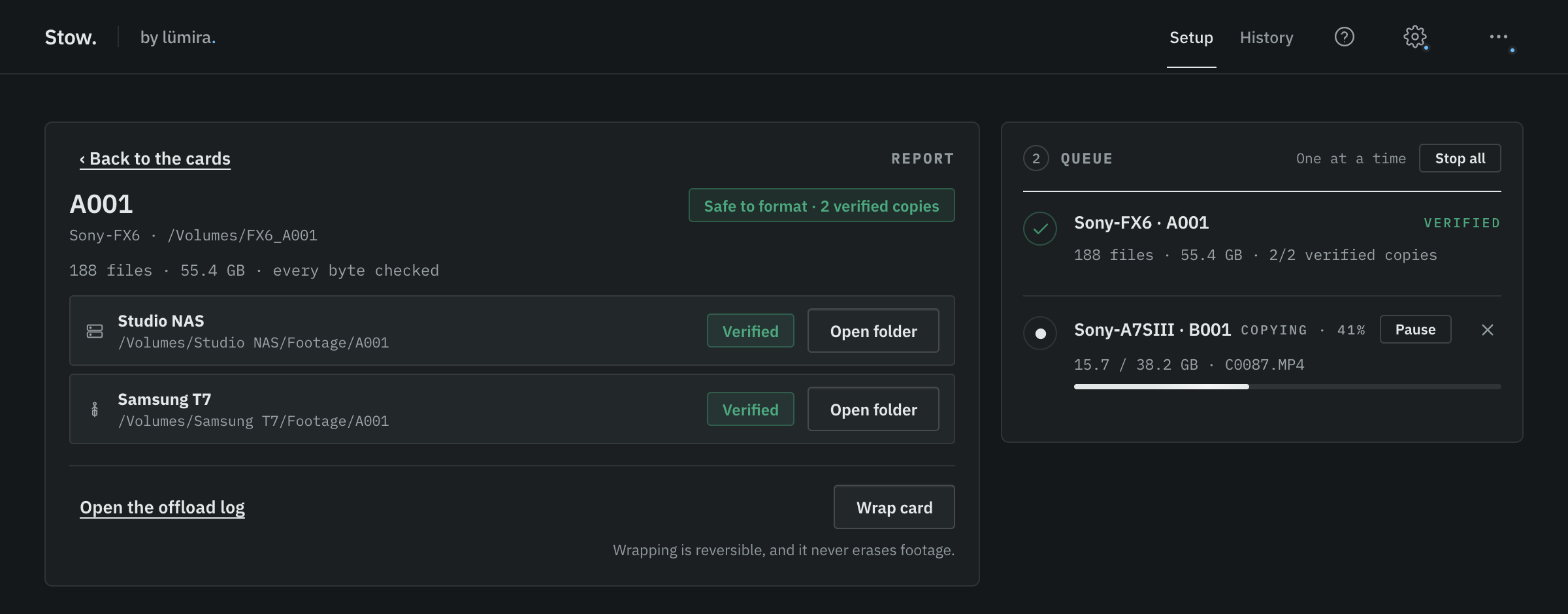
Stow, the tool we built for our own shoots: drag a card in, choose its drives, add it to the queue, press Start.
The short version
Tool
Price, as published
Platforms
The honest fit
ShotPut Pro
$169 one-off, per platform
Mac, Windows
Established dedicated offloader with media-focused reporting and ASC MHL sealing
OffShoot
$169, or $249 Pro
Mac, Windows
Dedicated cross-platform offloader; Pro adds ASC MHL, Codex engines and scripting
Silverstack XT
~899 USD a year
Mac only
A full DIT suite: colour, LUTs, reports, far more than offloading
Resolve Clone Tool
Free, inside Resolve
Mac, Win, Linux
Fine in a pinch if you live in Resolve anyway
TeraCopy
Free; Pro $49.95
Windows, Mac app
General file copying with verification and multi-target support, but no card-level verdict
Stow
Free, for good
Mac, Windows
Copies a card to two or more drives at once and verifies every file
Prices are each vendor's published figure on the day of writing. Pomfort's store prices by region, so treat the Silverstack number as indicative rather than exact.
What "verified" has to mean
Before the tools, the thing they are all being judged on. A completed copy is not the same as a verified one. The meaningful check is that the destination files are read after the copy and compared against the source. That is the standard we care about before any card is formatted.
What a verified offload actually does. Two copies is the bar that earns the verdict, not the ceiling.
ShotPut Pro, fairly
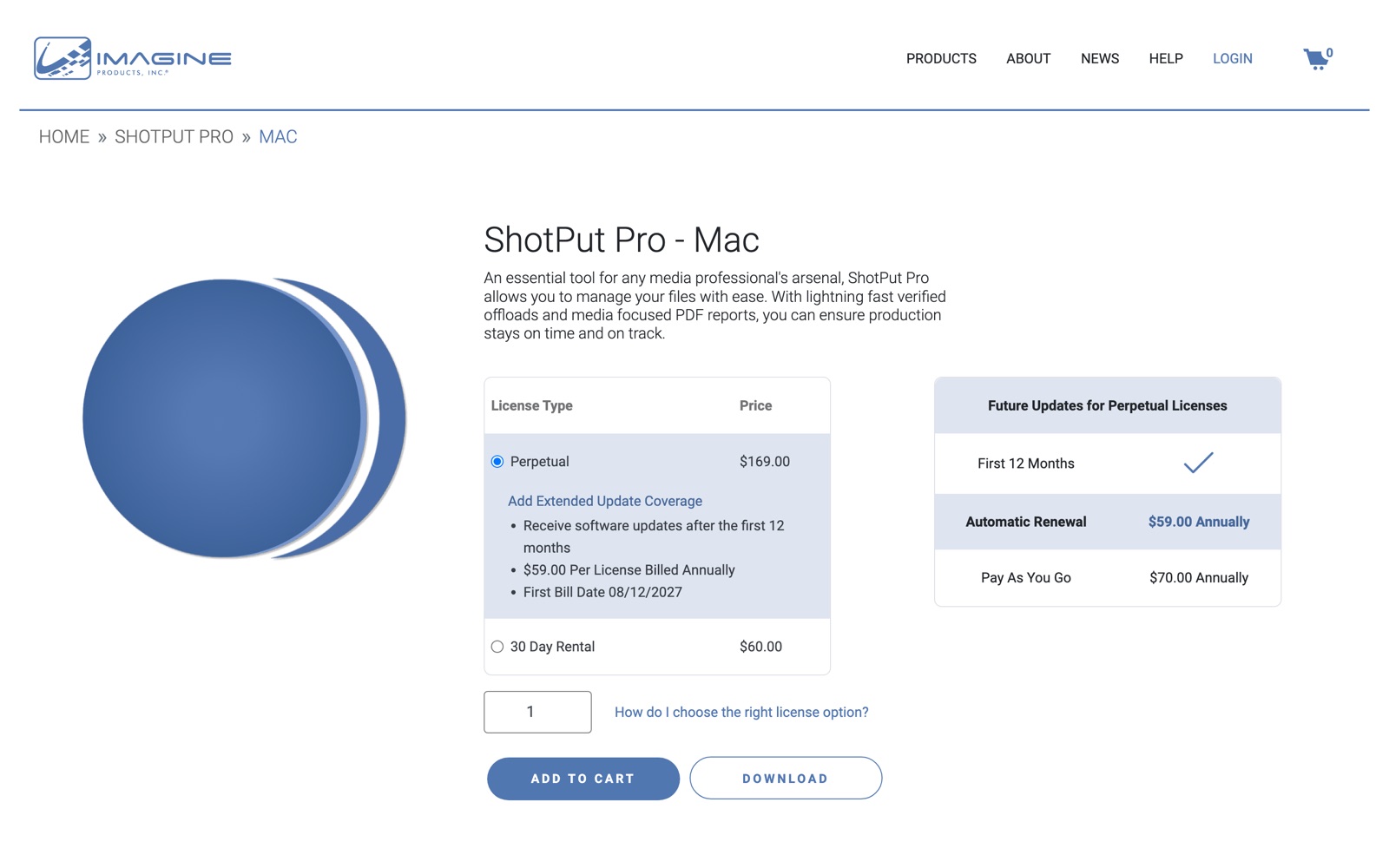
If you need media-focused PDF reports, ASC MHL sealing and a dedicated offload tool with a long production history, ShotPut Pro remains a sensible recommendation. It is $169 per platform as a proper perpetual licence, the first year of updates is included, and staying current after that is an optional $59 a year. The demo allows ten offloads inside thirty days, which is enough to know.
The honest caveats: it is $338 if you work across Mac and Windows, and for a great many crews the reporting depth is more than the job asks for.
ShotPut Pro's own pricing page, August 2026.
OffShoot, formerly Hedge
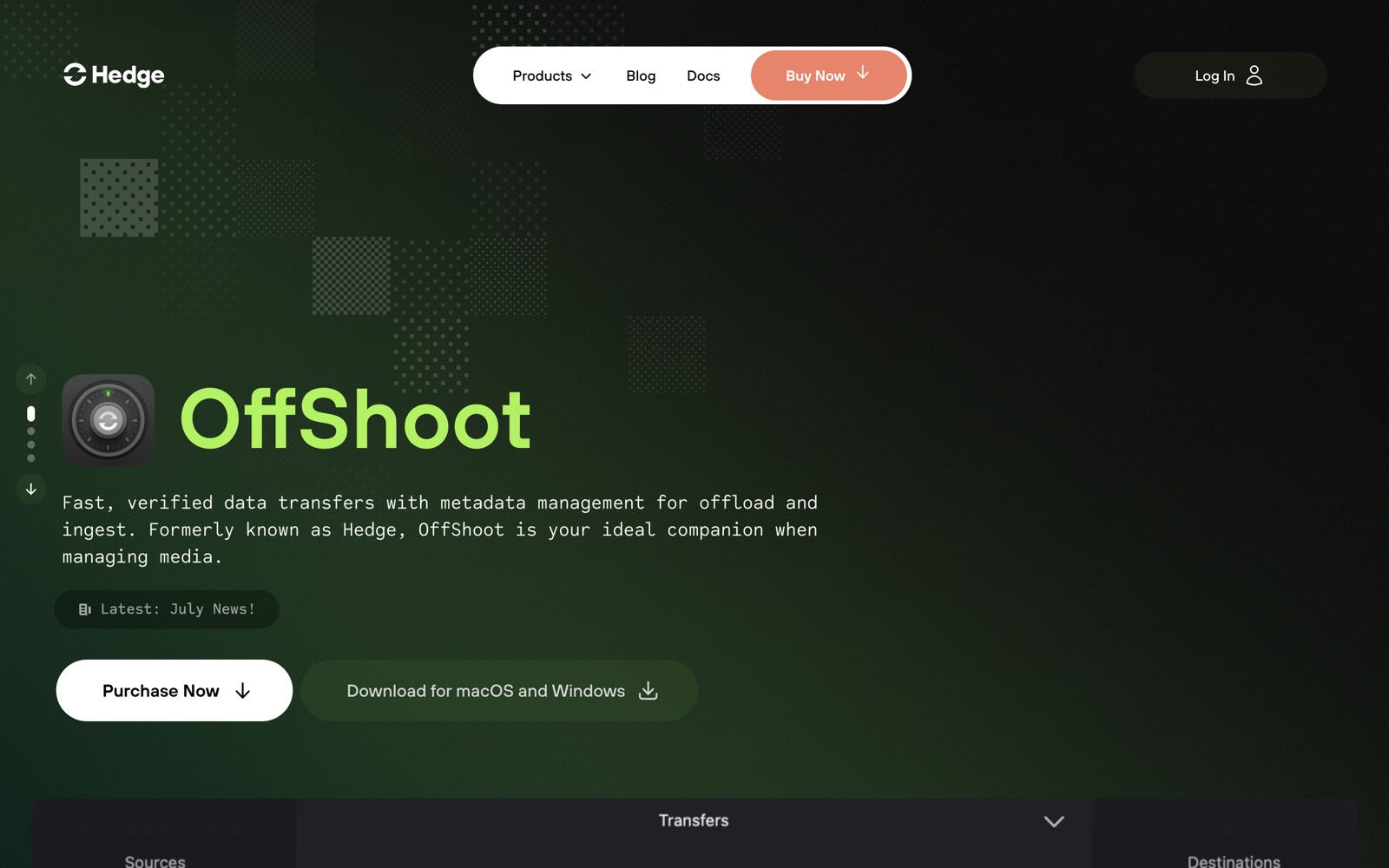
OffShoot is the current version of Hedge's offload tool: cross-platform, polished and built around verified media transfers, with xxHash always on and legacy MD5 or SHA1 available when a post house insists. A standard licence is $169; Pro is $249 and adds ASC MHL, Codex copy engines, scripting and other advanced features. Both are perpetual and include a year of updates. There is a 10-day free trial, and a separate 30-day Pro rental at $49. If you want a dedicated paid offloader on Mac and Windows, it is one of the strongest options here.
OffShoot, formerly Hedge, August 2026.
Silverstack, when you need a DIT suite rather than an offloader
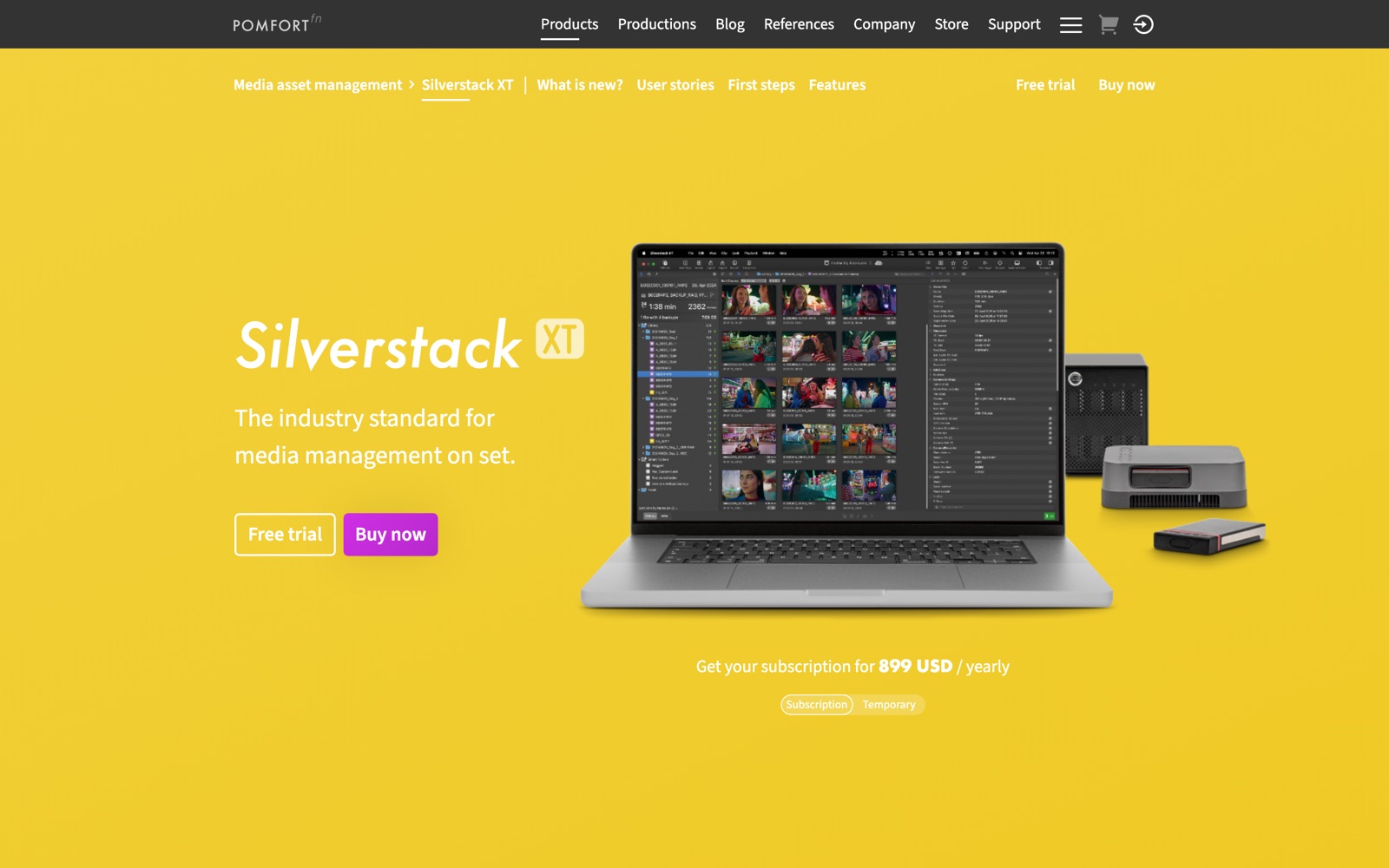
Silverstack XT is really a broader DIT and data-management suite rather than a direct ShotPut Pro replacement. Colour management, LUTs, clip grading and full reporting: a proper DIT cart lives in here. It is Mac only, and sold as a yearly subscription priced by region, around 899 USD or 799 EUR depending on where you buy it.
If what you actually need is "cards safely onto two drives", this is more tool and more money than the job. For DITs who need the wider metadata, QC, colour and handover workflow, that broader scope is the point.
Silverstack XT. Pomfort prices by region, so this is what a US visitor sees.
The free options, honestly
Resolve's Clone Tool is a capable free on-set option. Blackmagic built it for this job: cloning camera cards and mags with checksum verification such as XXHash64, making bit-for-bit copies you can trust before erasing the media. The trade-off is simply that it lives inside a much larger editing application rather than being a small dedicated offloader.
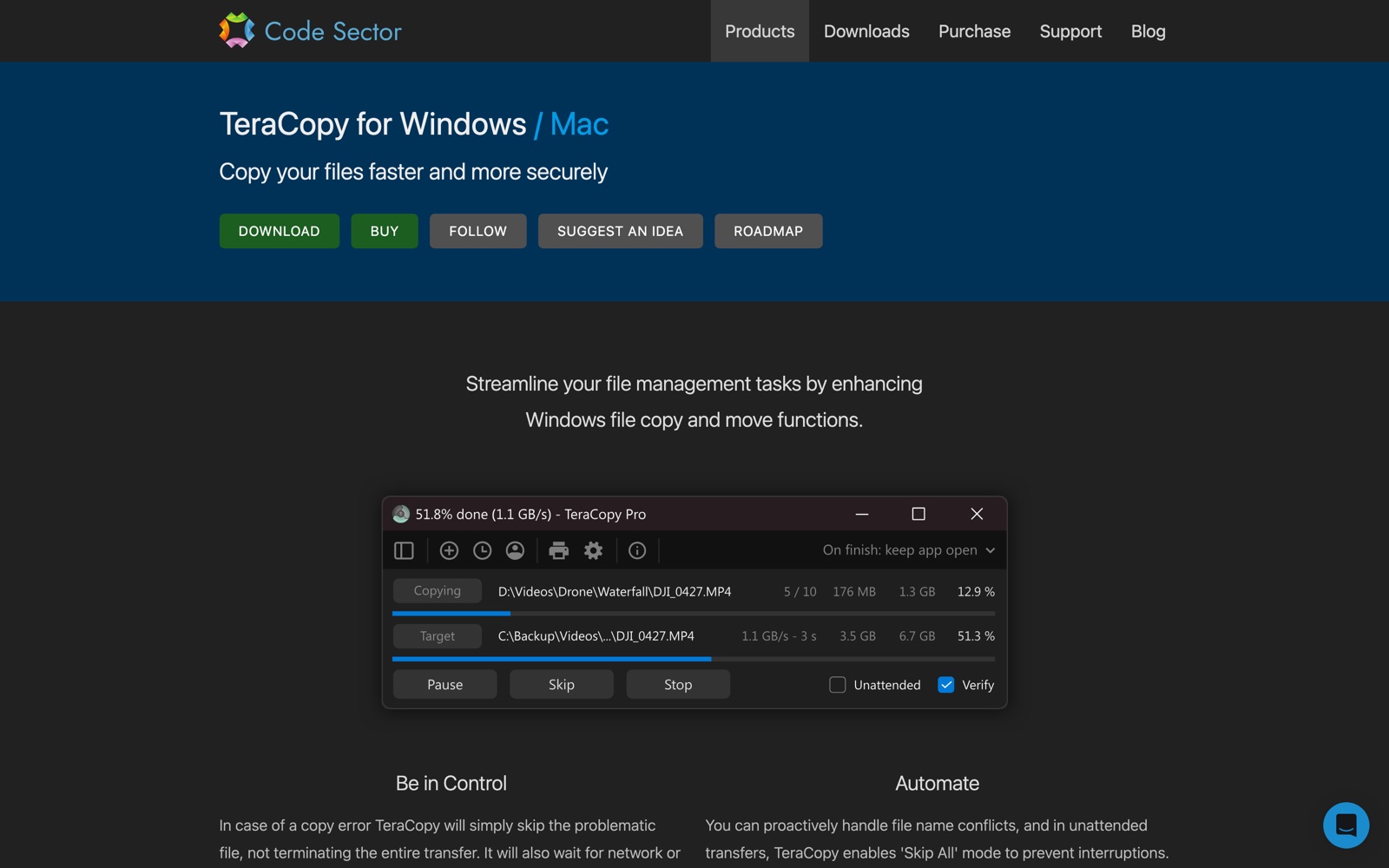
TeraCopy is a capable general-purpose verified copier, with versions for Windows and Mac, and it supports copying to multiple destinations. The difference is that it is designed around file transfers rather than a camera-card workflow: it does not organise the job around camera and card identity, or combine the results into a card-level safe-to-format verdict.
TeraCopy, August 2026. Its own header now reads Windows and Mac.
Stow is ours, so read this knowing that. We built it for our own studio because it is a problem we hit on every shoot, and we made it free because plenty of people are in the same boat and there was no reason to keep it to ourselves.
It copies a card to as many drives as you give it, two or more, all at the same time. It reads every file back from each of them to verify, then says plainly whether the cards are safe to format or not yet. Two independent verified copies is the bar that earns the green verdict; add a third drive and it verifies that one too. It is native on Mac and Windows, signed and notarised on both, about five megabytes, with no account, no ads and no paid tier. Every offload also writes an ASC MHL v2 manifest, so the same footage can be re-checked against its own checksums months or years later.
What it does not do: LUTs, colour grading, clip review, sealed MHL chains or LTO archiving. It writes an ASC MHL v2 manifest and a one-page offload report with every job, but not the sealed chains and production-office reporting the paid tools build their workflows around. If you need those, use the tool that fits that workflow.
The end of the day, in one line.
Questions people ask
Is ShotPut Pro worth it? If your productions require its media-focused reporting, ASC MHL sealing, or a workflow already standardised around it, yes. $169 as a perpetual licence is fair for that scope. If your workflow only needs verified multi-destination copies and a clear card-level verdict, you may not need that reporting layer.
How much is ShotPut Pro? $169 per platform as a one-off purchase, with Mac and Windows sold as separate licences. Updates are free for the first year, and continuing coverage is an optional $59 a year. A thirty-day rental is $60.
What apps are similar to ShotPut Pro? OffShoot from Hedge, Silverstack XT and Offload Manager from Pomfort, YoYotta if you are writing to LTO, Copy That on Mac, and Stow. Some RED-heavy crews still reach for R3D Data Manager.
Is there a free alternative to ShotPut Pro? Yes. Resolve's Clone Tool if you already work in Resolve, and Stow if you would rather have a small standalone app on Mac or Windows that copies to two or more drives at once and verifies every file.
The short version: buy ShotPut Pro or OffShoot if you need their reporting, sealing and wider workflow features. Buy Silverstack if you need a broader DIT suite. If your need is verified multi-destination card offloads with a clear card-level verdict, free options now exist, including Resolve's Clone Tool and Stow.
We make Stow, and it appears in this comparison. Every price above comes from the vendor's own published page on the day of writing, and we have tried to be as fair to their tools as to ours. If something here has gone out of date, tell us and we will correct it.
Stow is free, and stays free
Copies a card to two or more drives at once, verifies every file, and tells you when it is safe to format. Mac and Windows.